Home » Knowledge Base » Addition of Language Field in Add contact Section
Account and Contact Management
Addition of Language Field in Add contact Section
February 16, 2026
Release Date: 13 February, 2026
A new enhancement has been introduced in the Contact Module under the Add Contact section. A new Language field has been added to fill the client’s preferred language.
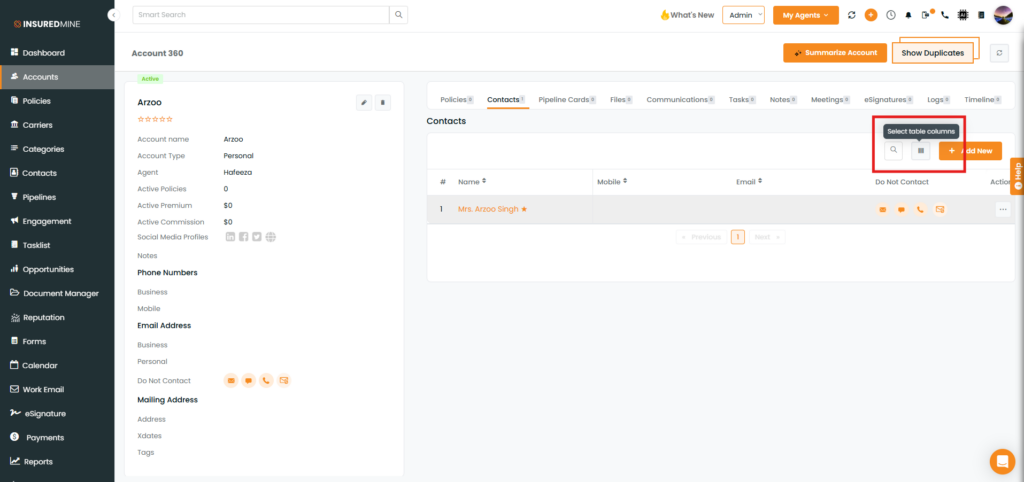
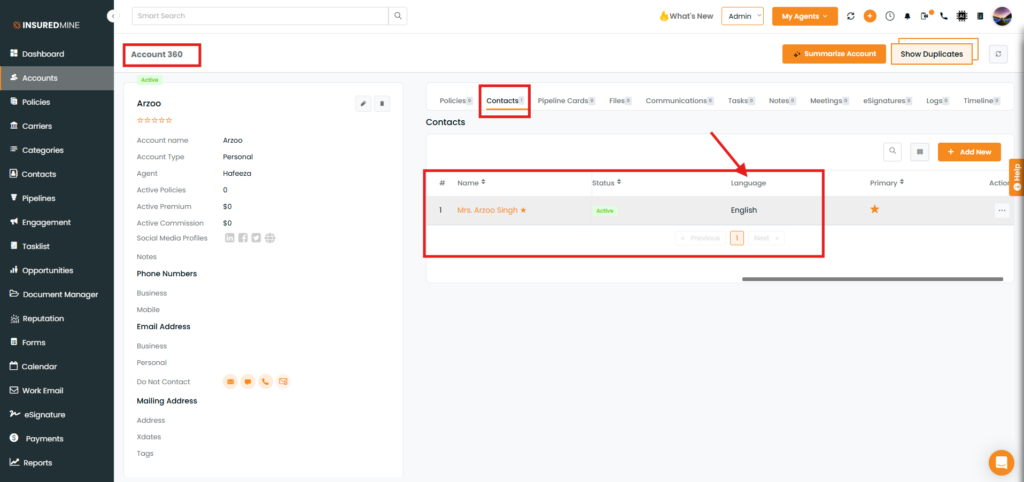
This allows users to record and communicate with contacts in their preferred language. Once the language is selected while adding a contact, it will automatically reflect in the Contact 360 view.
Use Case: This enhancement allows agencies to capture a client’s preferred language at the time of contact creation, ensuring agents can communicate in the client’s preferred language while enabling quick visibility and supporting more personalized and effective customer interactions.
To view the enhancement:
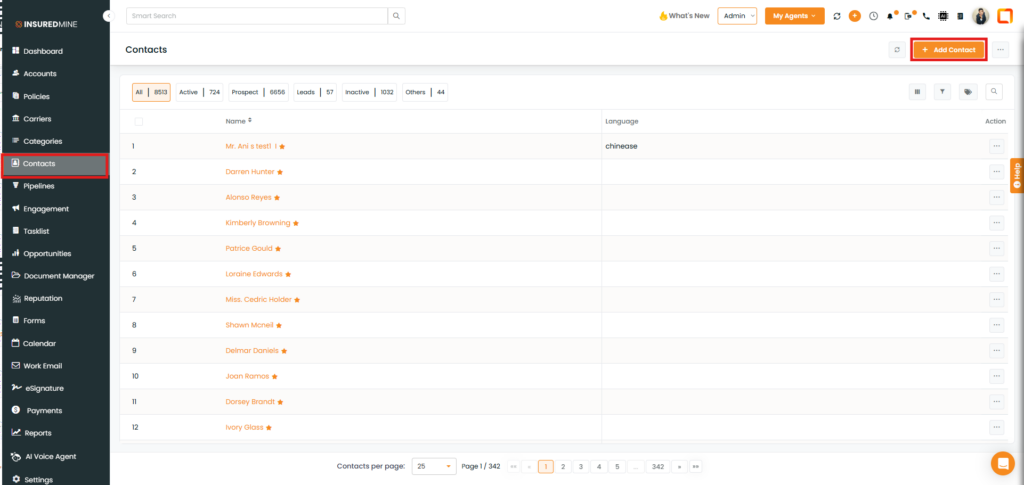
Navigate to Contact.
Click on Add Contact.
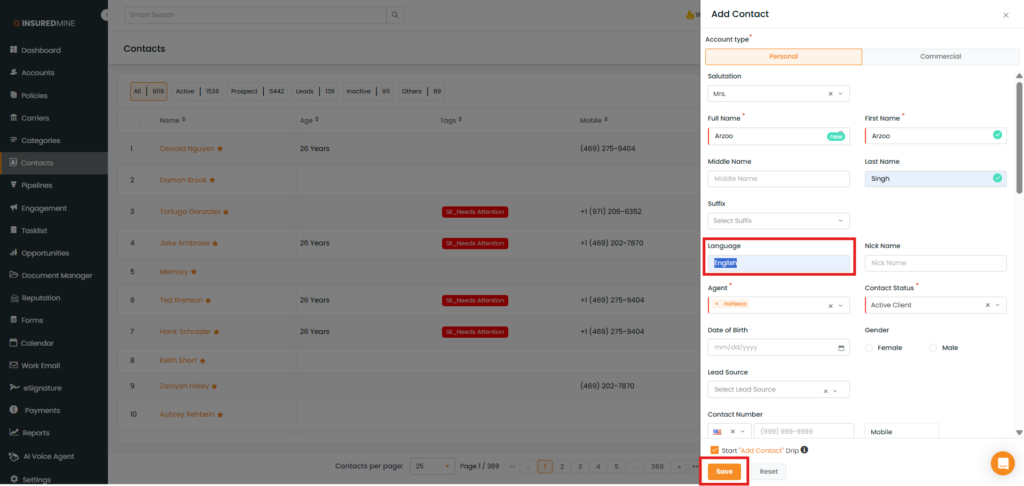
An Add Contact Panel appears.
As shown below, a new field, Language, has been added.
Add the preferred language of the contact.
Click on Save.
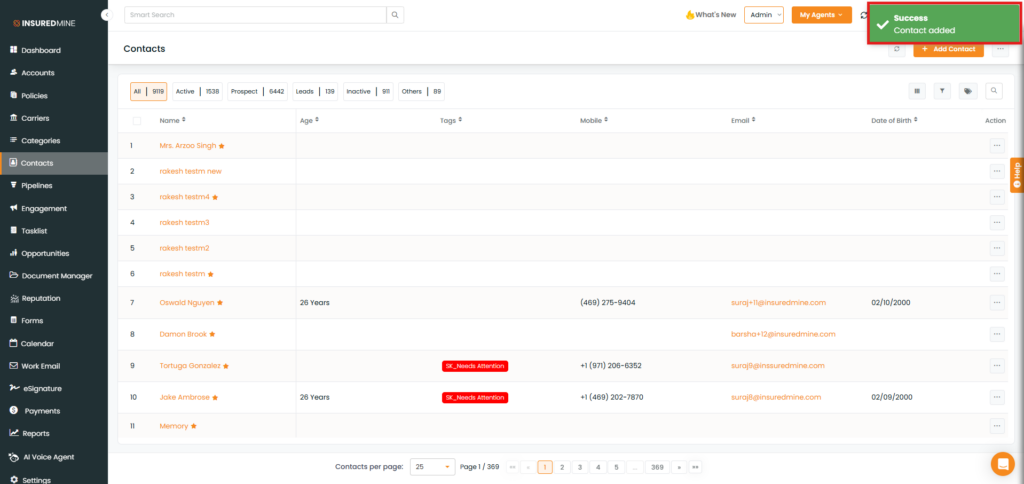
A success pop-up message appears: “ Contact added”.
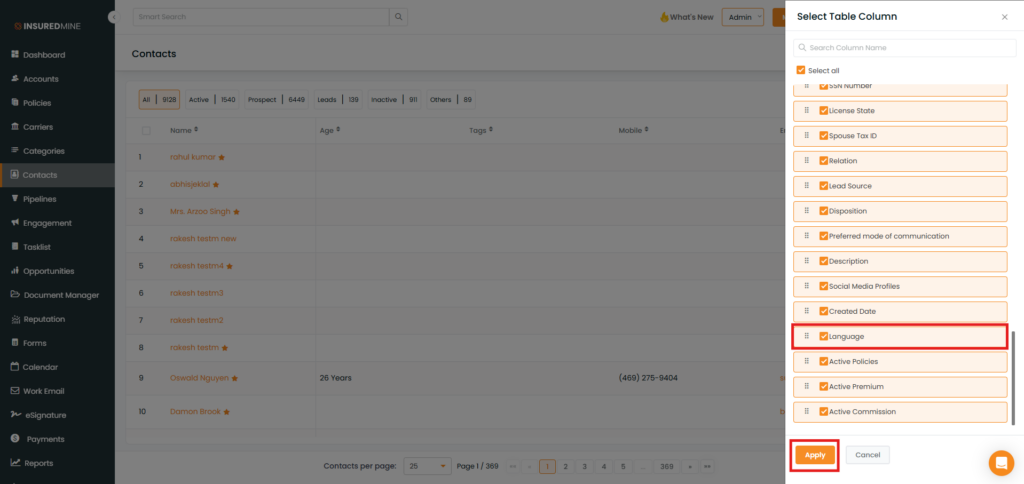
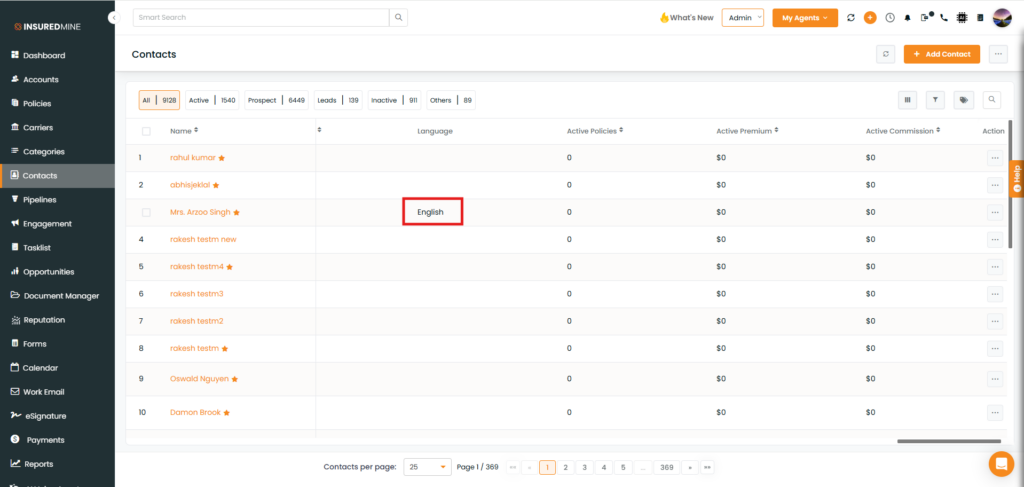
In the Contacts module, you can add the Language column to view the language assigned to each contact.
Here, you can see the Language column in the contact module.