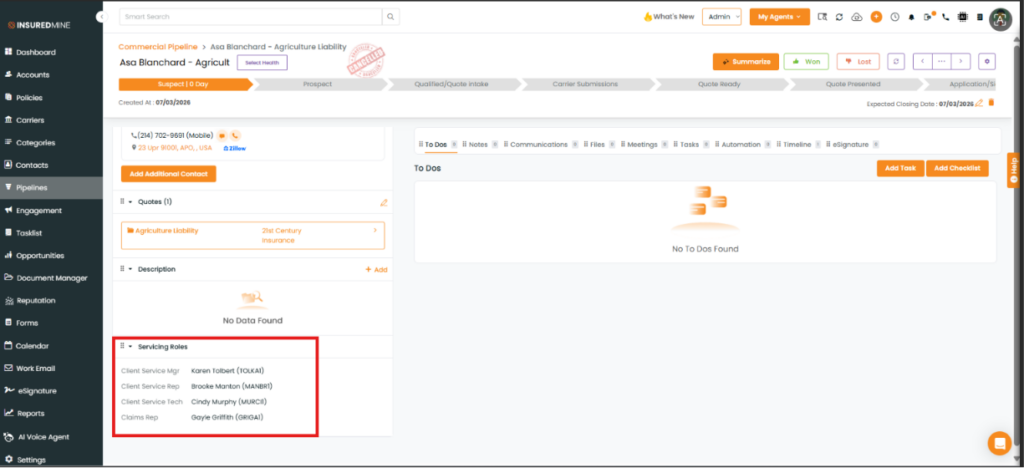
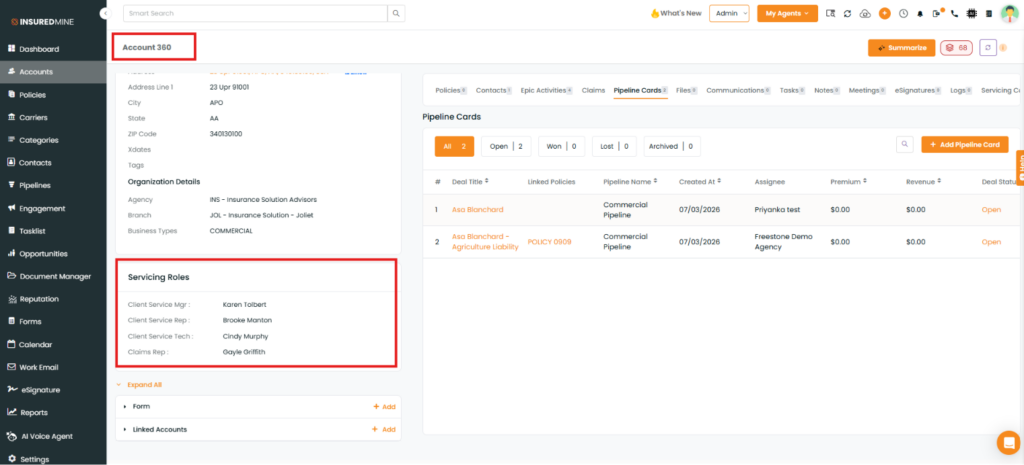
We have introduced a new enhancement under the Pipeline module that automatically populates the Servicing Roles from the associated Account into the corresponding Pipeline Card. When a new pipeline card is created, the servicing roles configured in the associated account are automatically populated. For existing pipeline cards, the servicing roles are also populated based on the account currently associated with each pipeline card.
Use Case: This enhancement helps agencies maintain consistent servicing role information between the Account and Deal Card. By automatically populating the servicing roles from the synchronized account, it reduces the risk of inconsistencies, and saves time.
To view the enhancement:
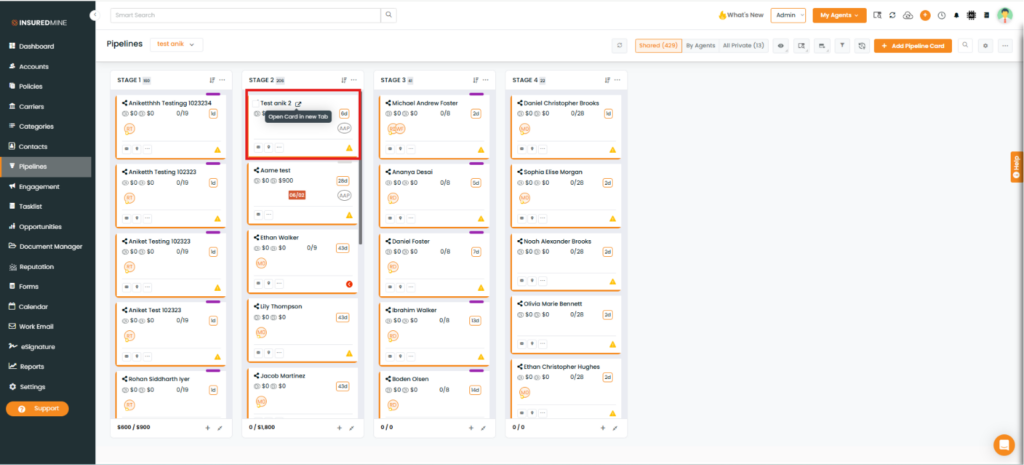
Navigate to Pipeline.
Open the required Pipeline Card.
The Deal Card opens in a new tab.
Scroll down to view the added Servicing Roles.
Pipeline Card Details Page-
Note: The Servicing Role section in the Deal Card displays the same servicing roles that are added to the associated Account.