


Release Date: 11/13/2026
Overview
InsuredMine allows you to create two types of audience lists in the Engagements module: Static Lists and Live Lists.
Previously, users could remove individual contacts or accounts from Static Lists but did not have the option to remove them from Live Lists. This made it difficult to exclude specific recipients from ongoing email campaigns.
With the new archive option, you can archive individual contacts or accounts directly from a Live List. This removes the selected record from that list, helping prevent it from being included in subsequent campaigns sent to that audience.
Prerequisites
- You must have access to the Engagements module.
- You must have an existing Live List or the ability to create one.
- The list must contain the contacts or accounts you want to manage.
Use Case
Use this feature when you want to exclude a specific contact or account from an existing Live List.
For example, suppose you created a Live List containing 10 contacts for an email campaign. After sending the campaign, one contact responds, and you no longer want to include that contact in subsequent emails sent to the same list.
You can archive that contact from the Live List. The list will then contain nine contacts, and the archived contact will no longer be included in emails sent to that list.
Steps to Archive a Contact or Account from a Live List
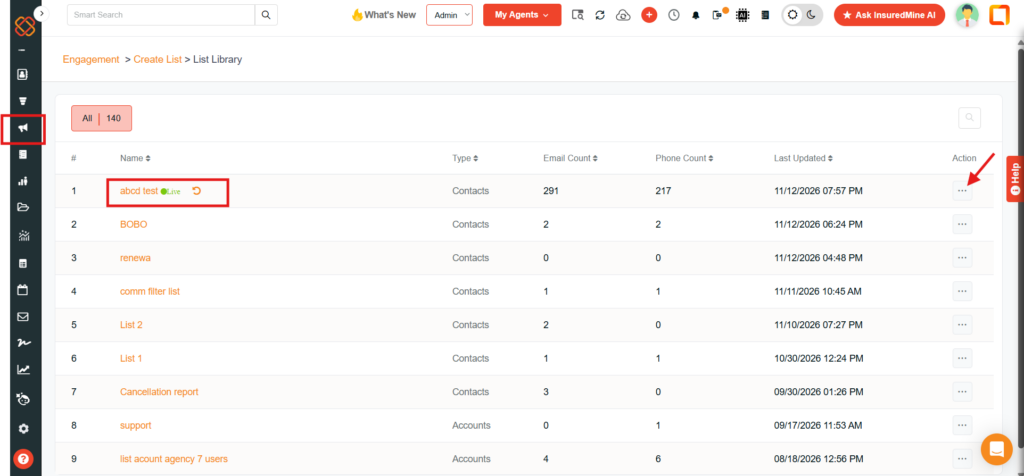
Step 1: Navigate to the Lists Section
- Open the Engagements module.
- Navigate to Lists.
- Open the existing Live List from which you want to remove a contact or account.
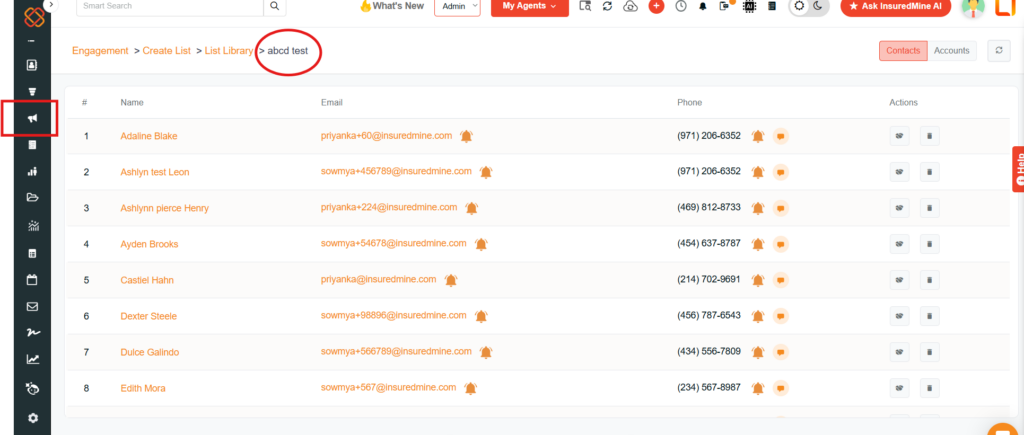
Step 2: Locate the Contact or Account
- Open the Live List.
- Identify the specific contact or account you want to exclude from the list.
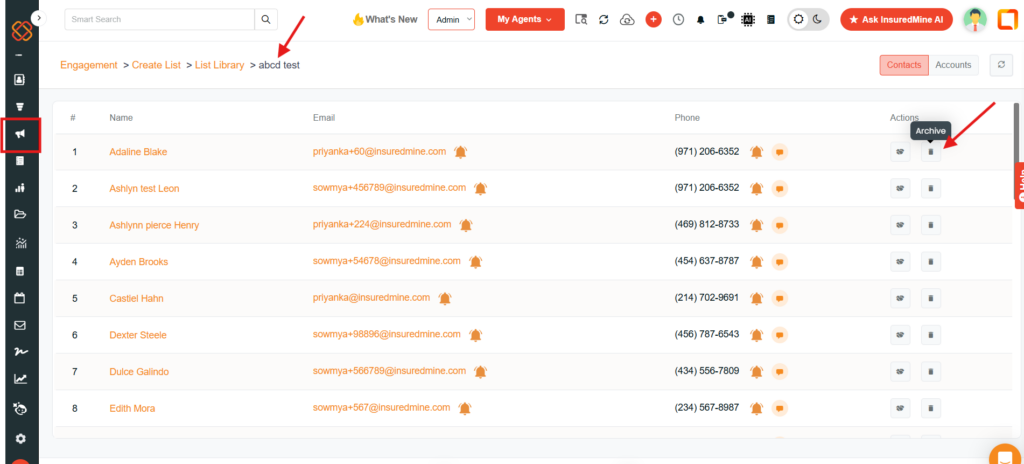
Step 3: Archive the Selected Record
- Locate the contact or account you want to remove.
- Select the Archive option for that record.
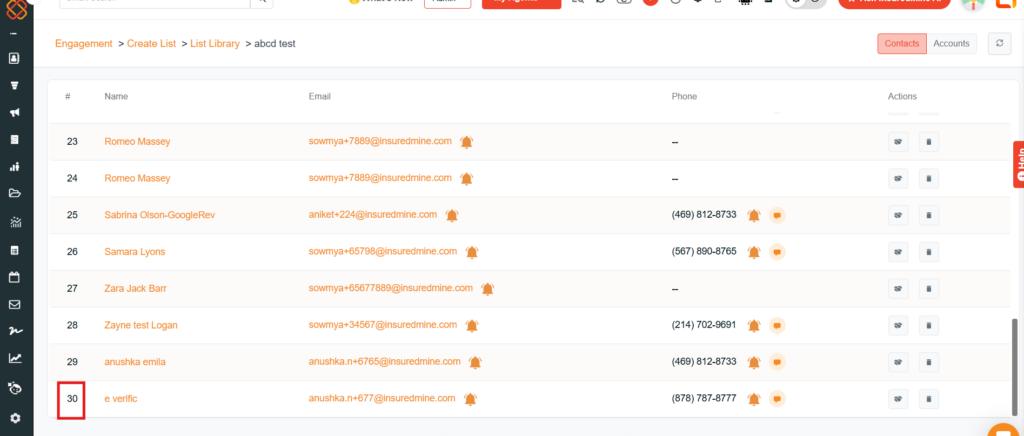
Step 4: Verify the Updated List
- Check the Live List after archiving the selected record.
- Confirm that the archived contact or account is no longer included in the list.
Now if you archive any of the contacts, first a pop-up will appear like this:
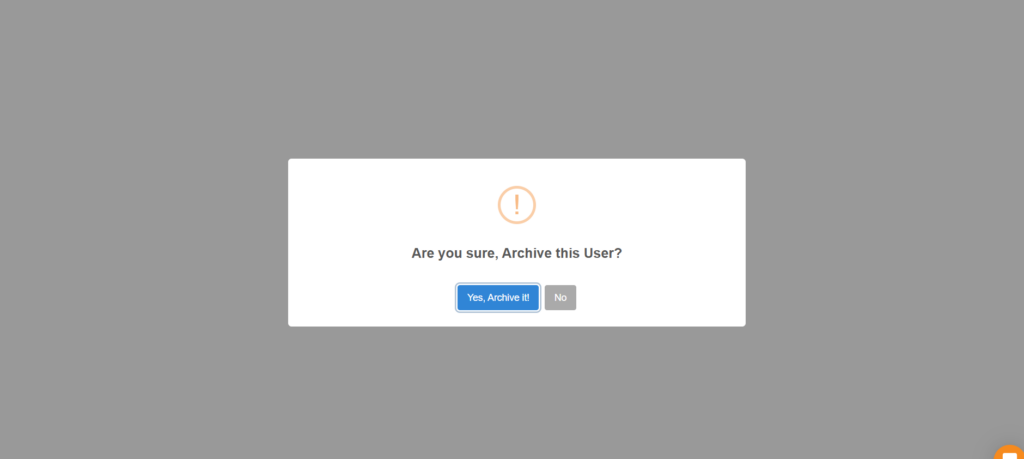
After selecting “Yes, Archive it!” The archived record will no longer be included when you use that list for subsequent email campaigns.
Important Notes
- The archive option allows you to remove individual contacts or accounts from a Live List.
- You can create Live Lists for both contacts and accounts.
- Live Lists automatically update when new records match their configured filters.
- Lists can be selected as audiences when running email campaigns.


