We have introduced a new enhancement under the Reports module for the New Business Reports, Cancellation Reports, and Renewed Reports sections. Along with policy and premium details, users can now view commission information.
Additionally, you can also download, save to a report, or save as a list to easily access and analyze the data.
Use Case: Agents can now easily track and analyze commission details directly within the Reports module. This helps in monitoring revenue performance and making data-driven decisions faster, without any hassle.
To view the enhancement:
Navigate to Reports.
From the dropdown, select New Business Reports.
You will be redirected to the New Business Reports page.
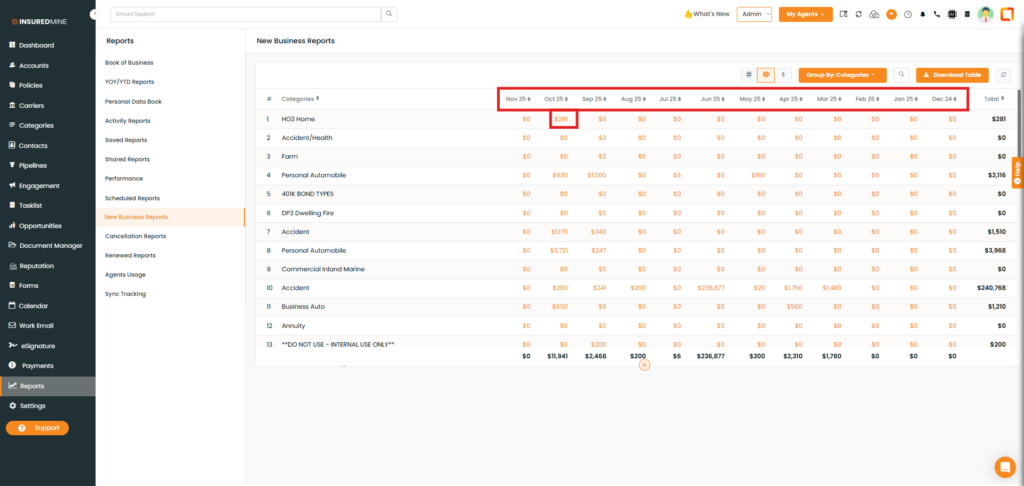
As shown below, a commission icon has been added.
Click on the Commission icon.
From the dropdown, select Categories.
You will be redirected to the commission page that displays the commission amount month-wise.
As shown below, click on the preferred commission amount whose data you want to view.
As shown below, you can view the commission details, from account information to policy status.
You can also download, Save to Reports, and Save as List the Data.
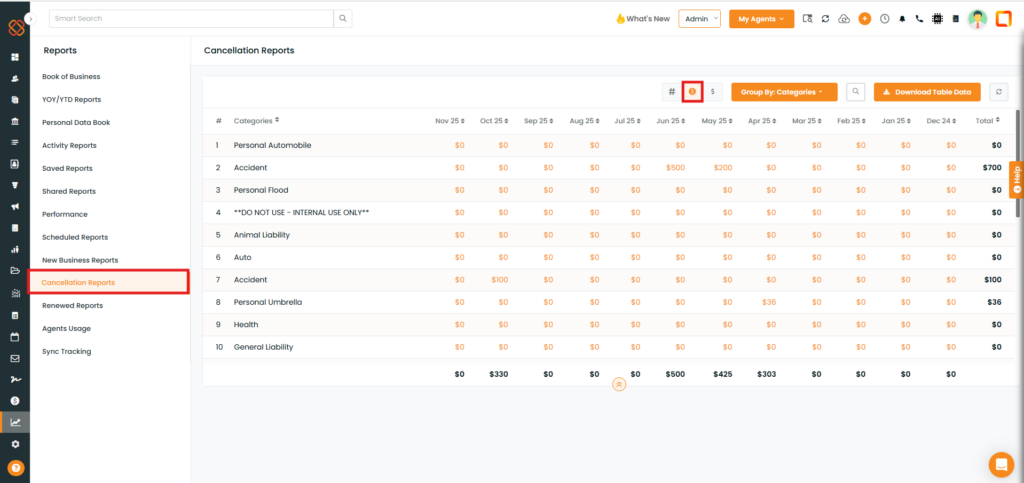
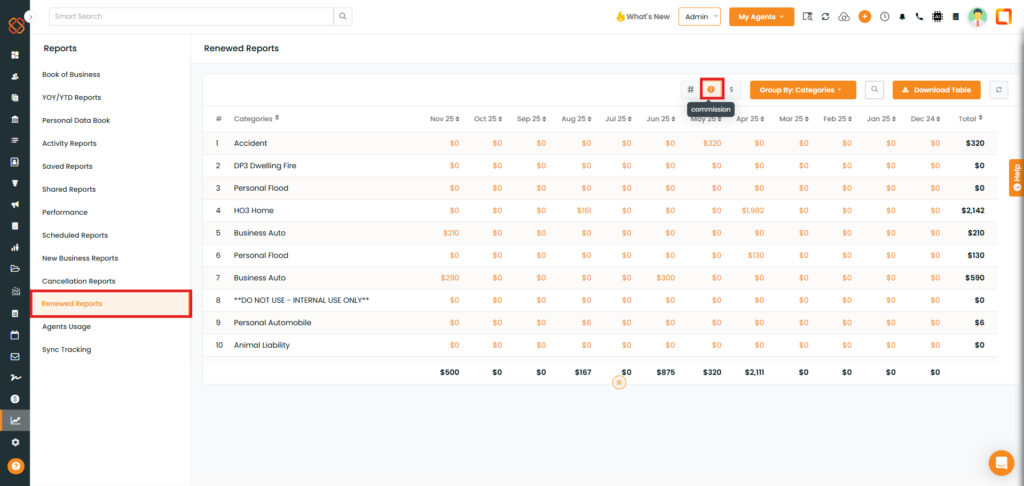
Note: You can also view the commission data in the Cancellation Reports and Renewed Reports by following the same process as in the New Business Reports. You can also download, save to reports, or save as a list.