InsuredMine CRM | Optimize and Grow Your Insurance Agency
Release Date: 08/27/2026
Overview
The Reputation module now allows you to download google review in an Excel file based on selected date range and review type filters.
This makes it easier to export and analyze review data based on specific requirements.
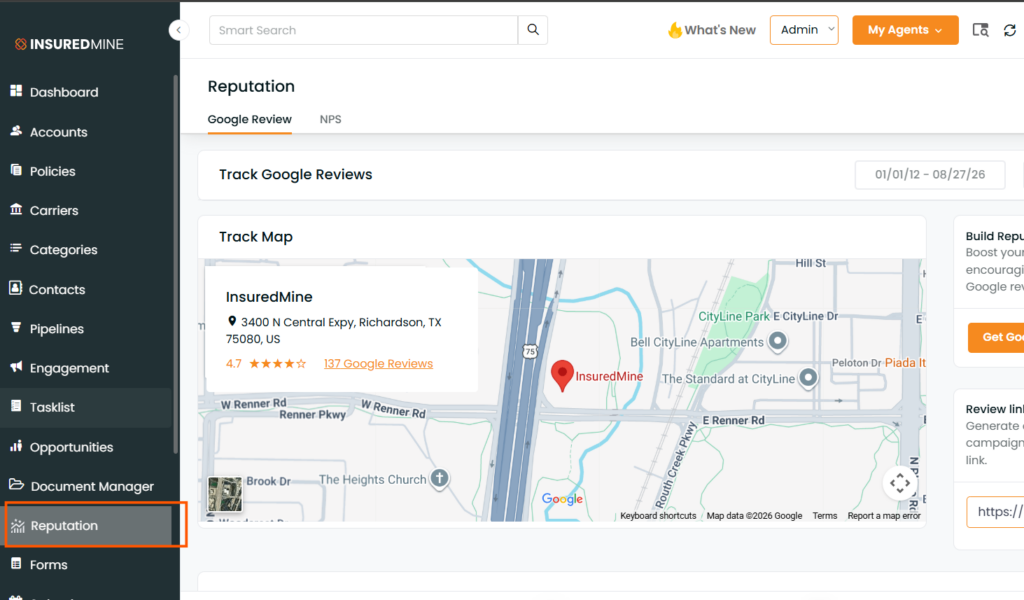
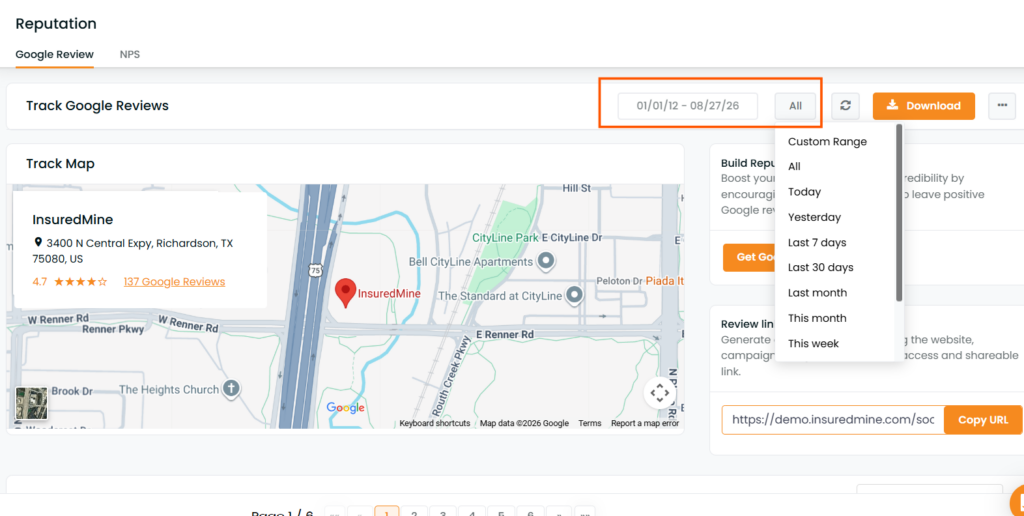
2. Select the required date range using the date filter.
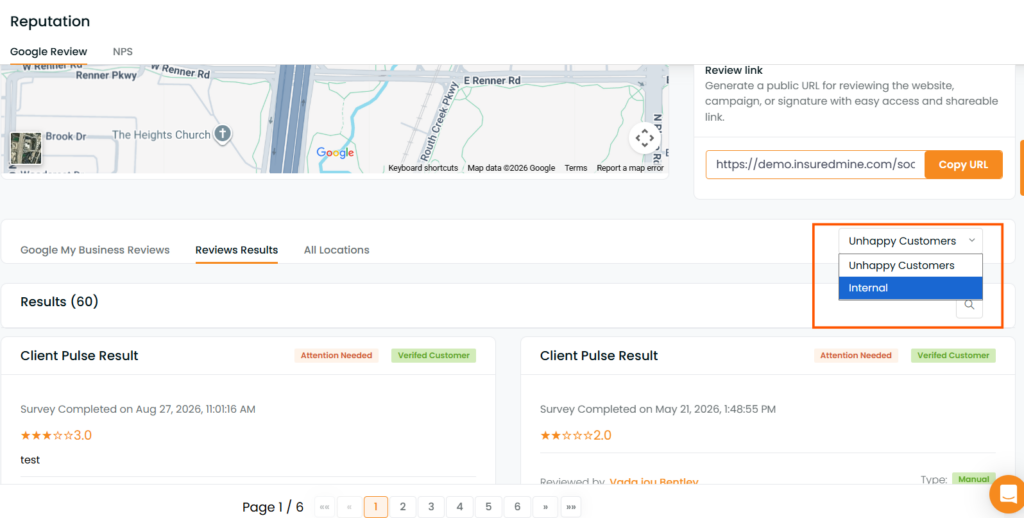
3. Select the required Review Type:
4. Apply the filters to view the required review results.
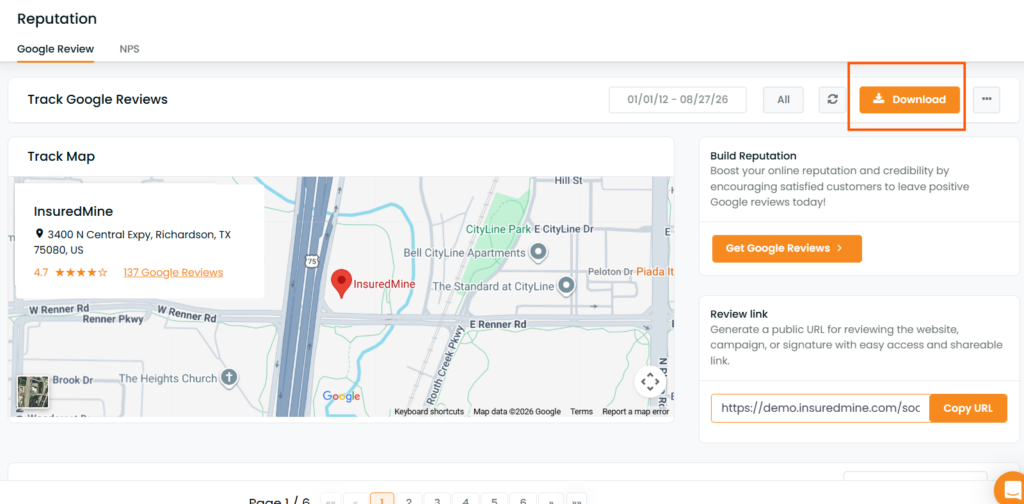
5. Click the Download option to export the results.
6. The filtered review results will be downloaded as an Excel file.
The Excel file will include the following columns:
Column
Description
Account Name
Name of the account associated with the review
Account Type
Type of account
Contact Name
Name of the contact
Created On
Date the review was created
Agent
Agent associated with the account
Review Rating
Rating provided for the review
Review Type
Type of review, such as Internal or Unhappy
You can now easily export filtered google review based on a specific date range and review type for further analysis, reporting, or record keeping.