We have introduced a new enhancement in the Forms module that allows users to generate a QR code for any form from the Forms List. The generated QR code can be downloaded or copied and shared with clients through any preferred communication channel, providing clients with quick and convenient access to the form.
Why this matters
Use this enhancement to:
Generate a QR code for any form.
Share forms with clients through your preferred communication channel or in printed format.
To view the enhancement:
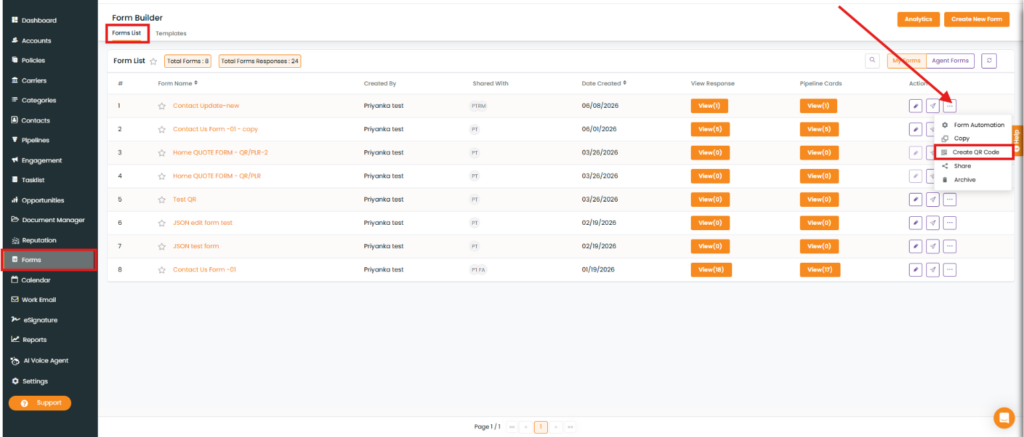
Navigate to Forms.
Select Forms List.
Select the required form.
Under the Action column, click the three-dot icon.
From the dropdown, Select Create QR Code.
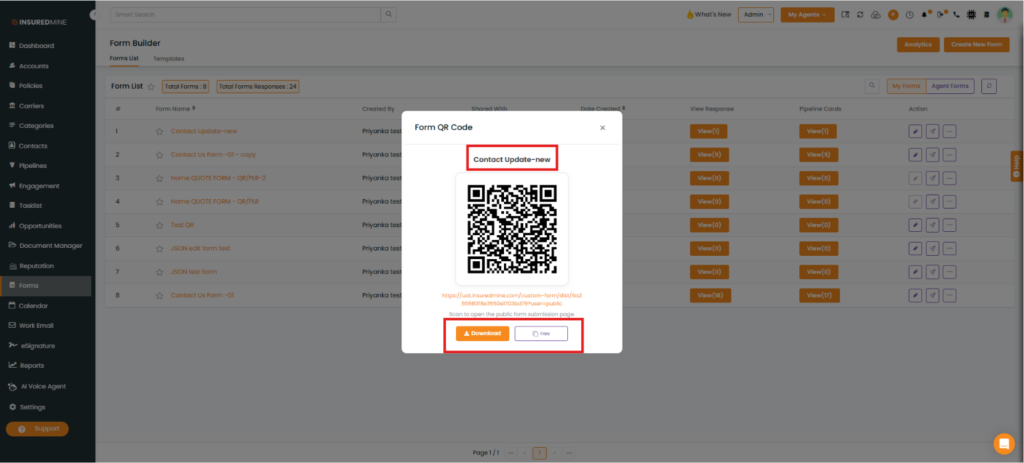
The QR Code for the selected Form appears.
You can now:
Download the QR code.
Copy the QR code.
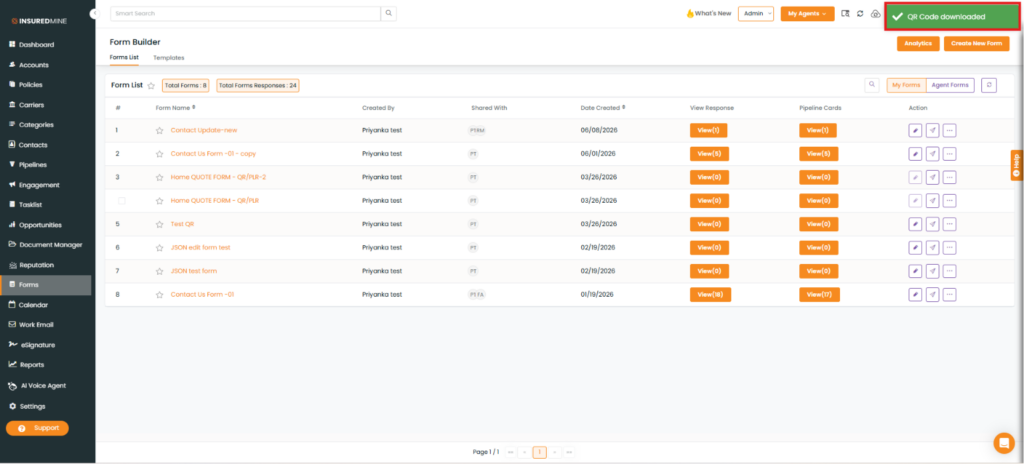
If you click Download, a success message, “QR Code Downloaded,” appears.
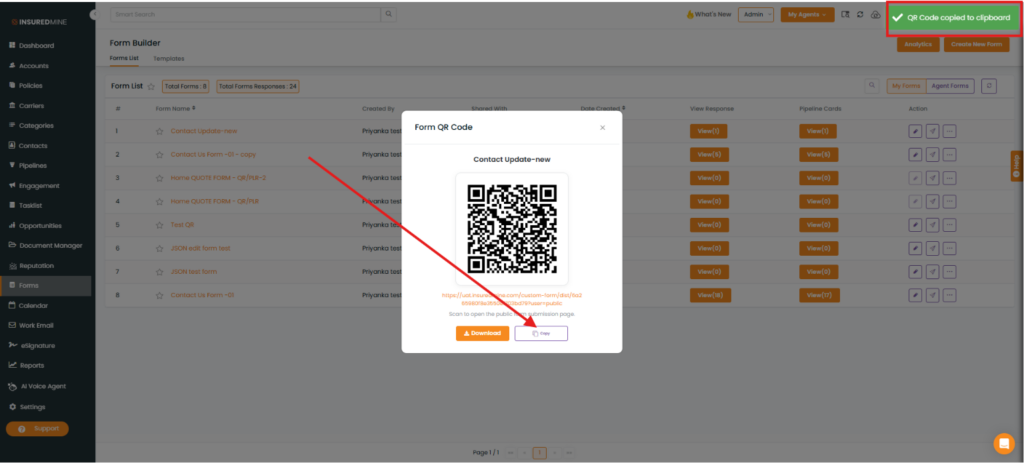
If you click Copy, a success message, “QR Code Copied to Clipboard,” appears.
Note: After downloading or copying the QR code, you can share it with clients through your preferred communication channel, such as email, text message, or other supported platforms.