We have introduced a new enhancement for HawkSoft users. Now, all policy-related sync logs—including files, notes, and tasks—will sync and appear under the respective Policy section. Earlier, if a file, task, or note associated with a policy was synced from InsuredMine (IM), it was logged under Client/ account Logs instead of Policy.
With this update, policy-related information is now correctly organized under the Policy section.
Use Case: This feature ensures that all policy-related items now sync directly to Policy, allowing the agent to quickly view and manage activities for the correct policy without confusion.
To view the Enhancement:
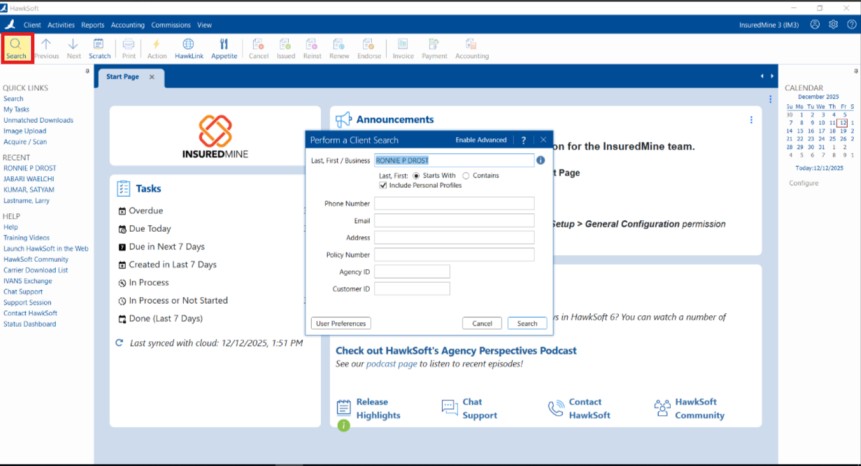
Navigate to HawkSoft AMS.
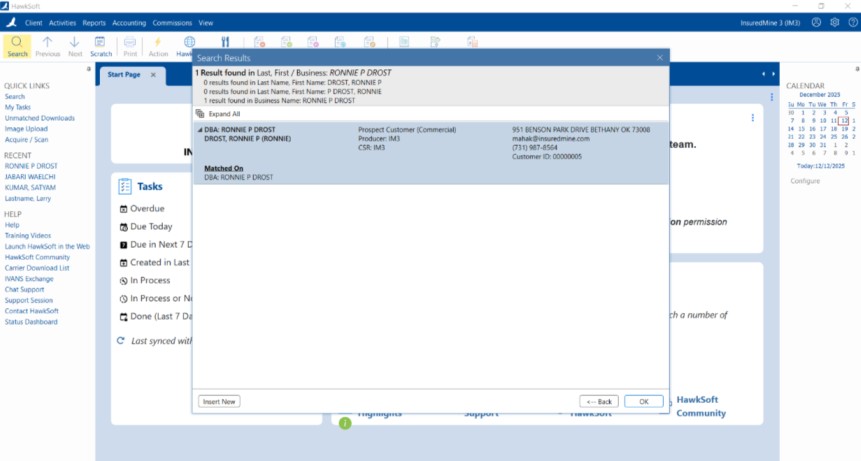
Search for the client/account that you want to view.
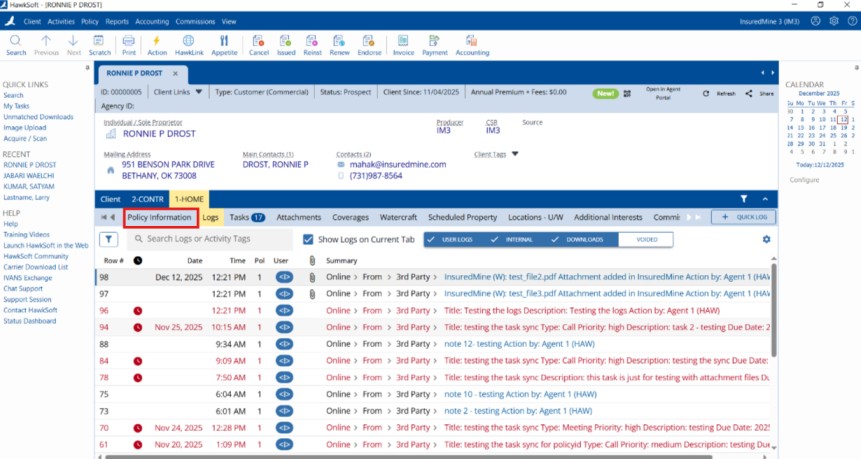
Under the Account, navigate to the Policy section. Under Policy Details, click on Logs.
As shown below, all the policy-related information is visible in the separate Policy section.