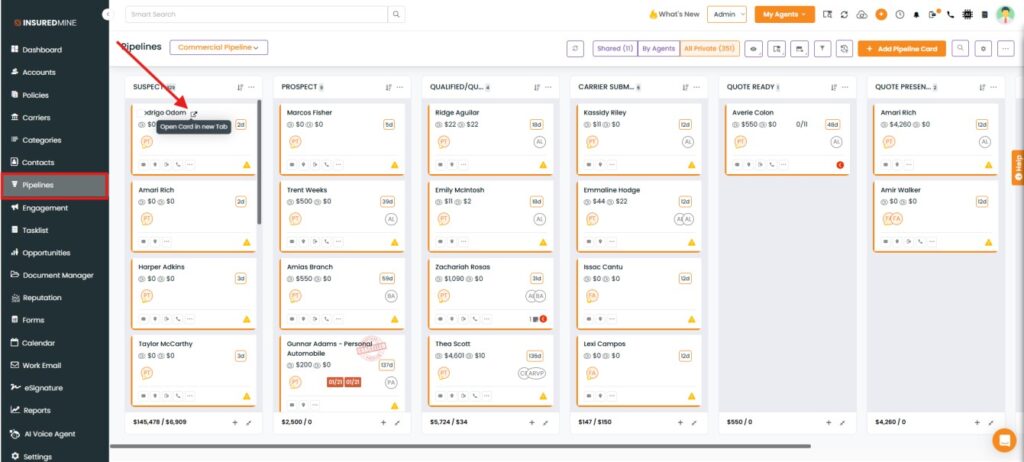
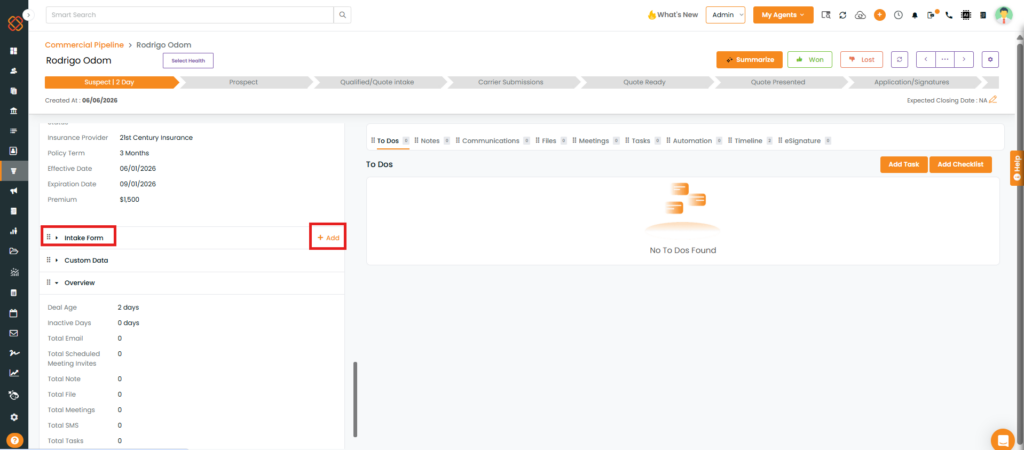
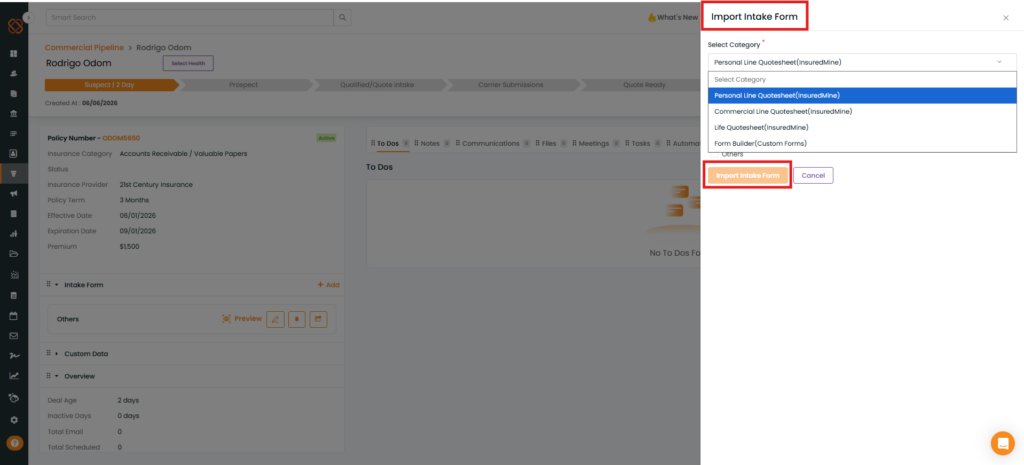
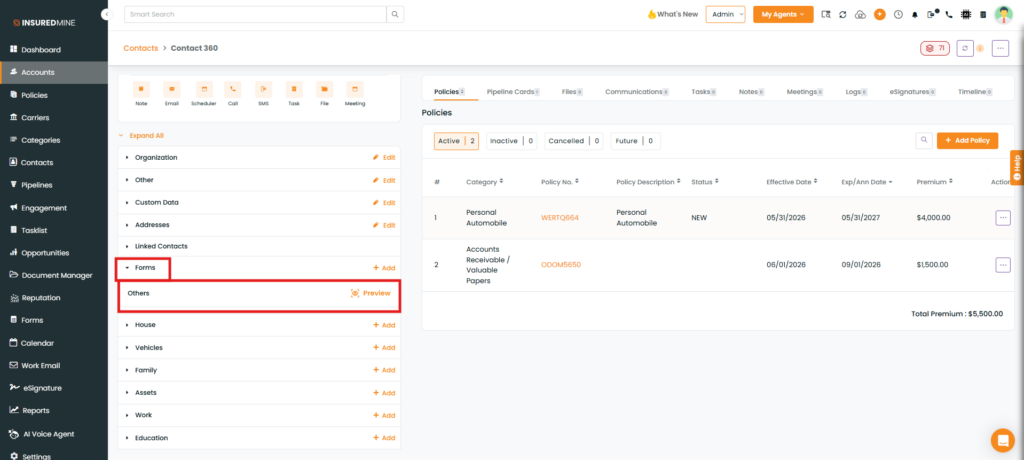
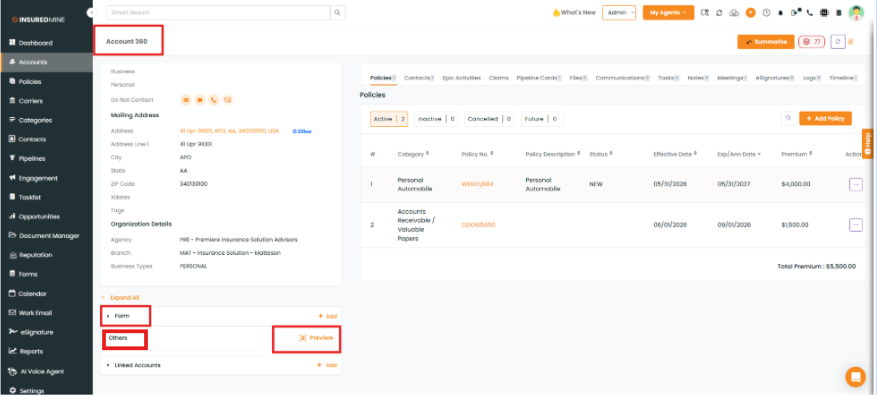
We have introduced an enhancement that makes Intake Forms accessible from both Contact360 and Account360. When an intake form is imported through a Deal Card, it is automatically available under the Forms section of the associated Contact360 and Account360 records. Similarly, intake forms imported through Contact360 or Account360 are available within their respective records, providing easier access to form information from the related contact or account.
Use Case:This enhancement helps users access intake forms from multiple locations without having to search through individual deal cards. By making intake forms available in both Contact360 and Account360, users can quickly view and manage form data related to a contact or account, improving accessibility and reducing the time spent locating important information.
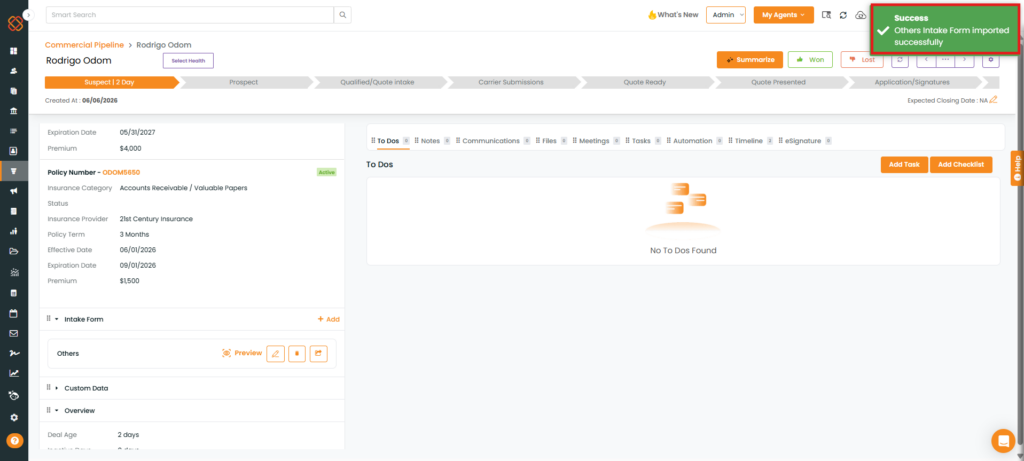
A success pop-up, “Others form imported successfully,” appears.
Once the form is available on the deal card, navigate to Contact 360 of the deal card and there, you will find the intake form under the Forms section. Similarly, if you navigate to the account 360 section of the contact, you will find the intake form there alsounder the Forms section.