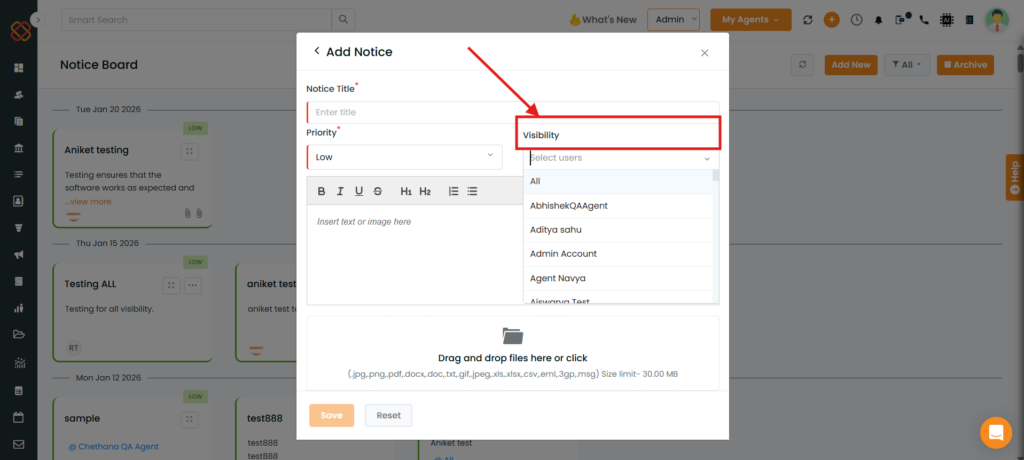
Overview: The Notice Board has been enhanced to give better control over visibility and editing. While creating a notice board, you can now select specific users in the Visibility tab. Only those users will be able to view that notice board. Additionally, only the user who created the notice board can edit or make changes to it.
Use Case: This enhancement is useful when notices need to be shared with a specific set of users while ensuring that updates or changes can only be made by the creator. It helps maintain clarity, ownership, and controlled communication.
To view the enhancement:
Navigate to Header.
Click on the Notice Board.
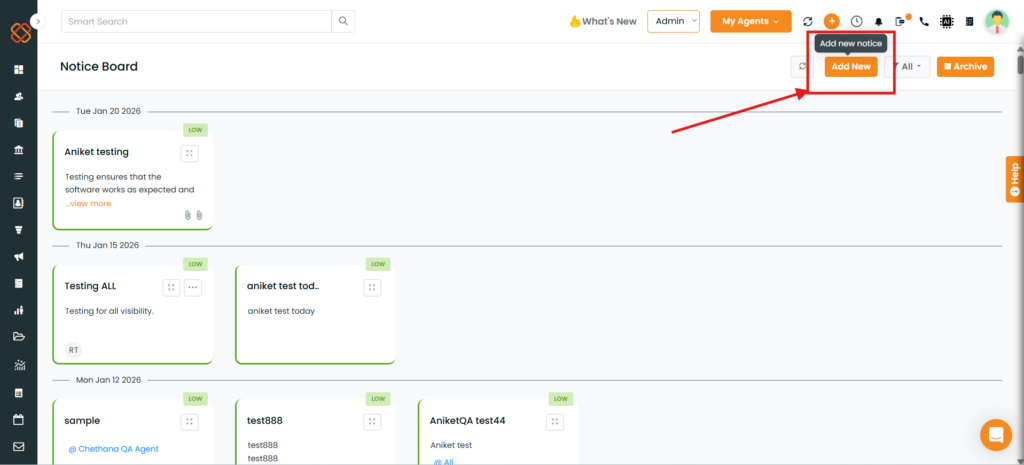
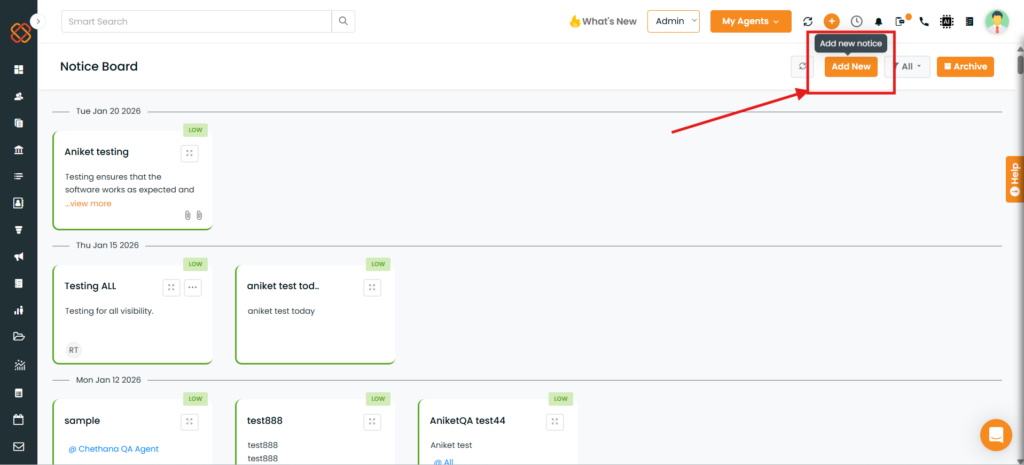
Click on Add New.
A pop-up will appear to create a notice board with a Visibility tab. From here, you can add the users who should be able to view that specific notice board.