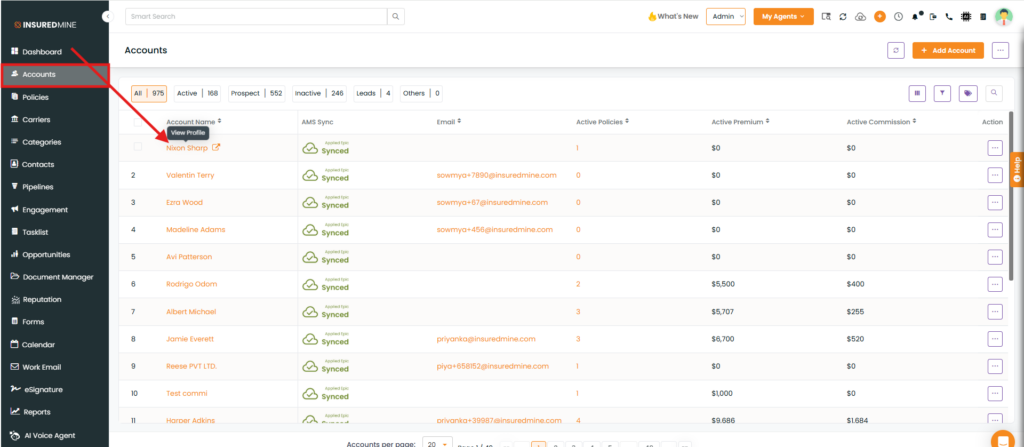
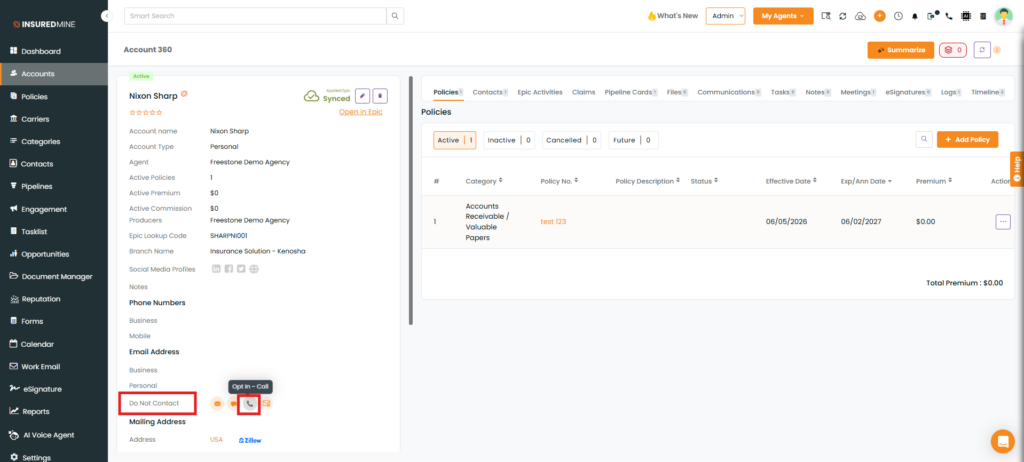
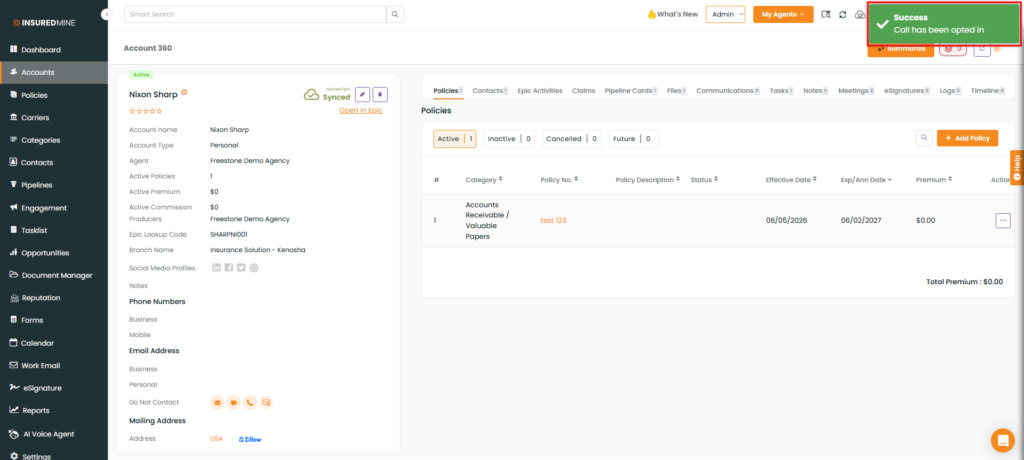
We have introduced an enhancement in the Accounts module that allows users to configure Do Not Contact preferences while managing an account. Users can now select opt-out options for specific communication channels, helping ensure that account communication preferences are accurately maintained.
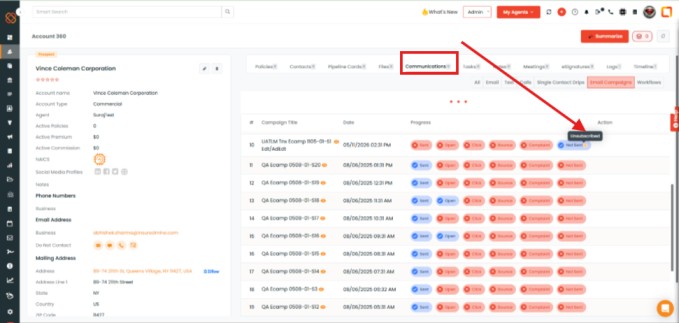
Use Case: This enhancement helps users manage customer communication preferences more effectively by marking accounts as Do Not Contact for specific channels. It supports compliance with communication preferences, prevents unwanted outreach through unsubscribed channels, and helps maintain accurate account records.